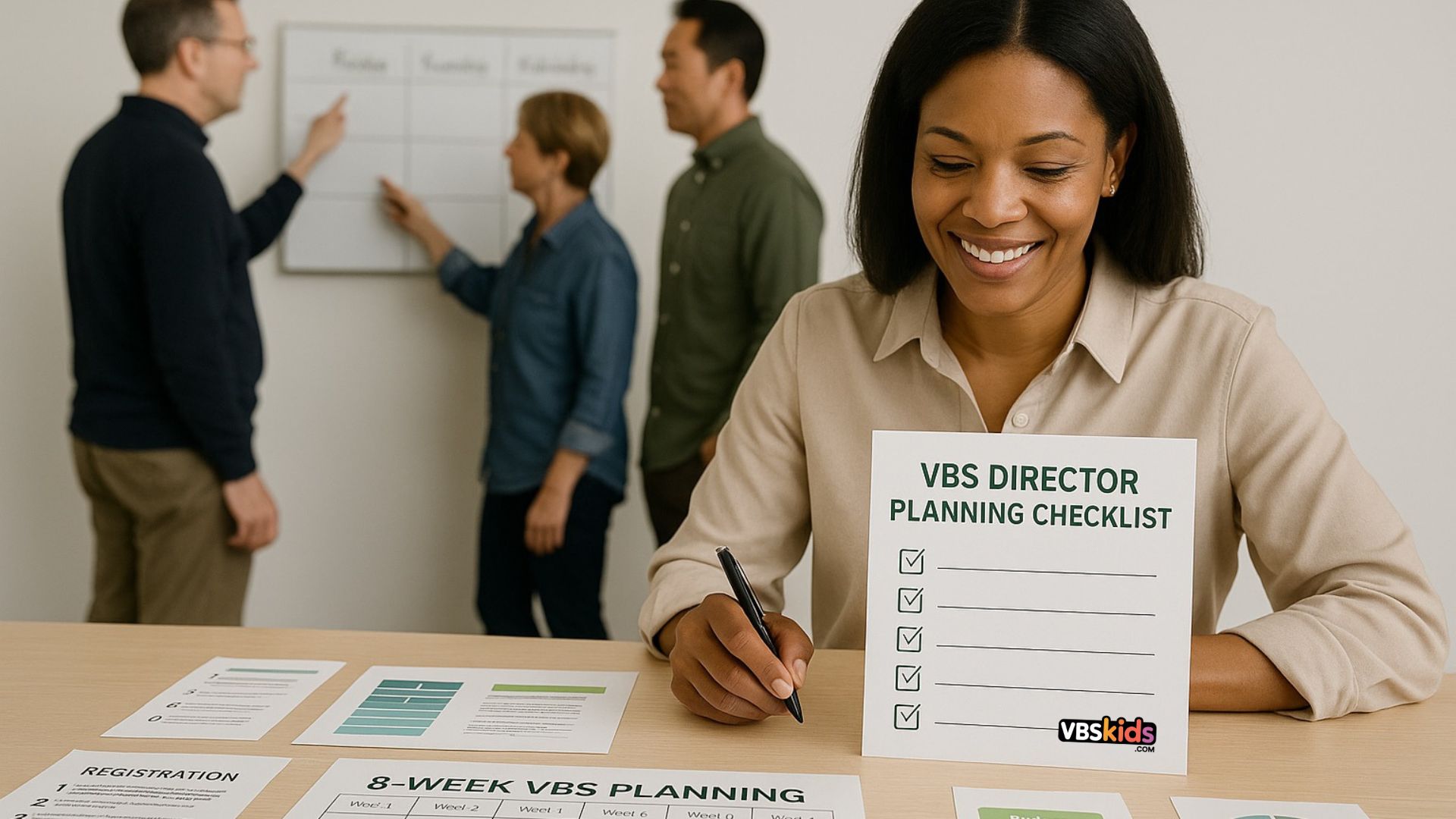
Operational roadmap from recruiting through registration close
Who it’s for:
VBS Directors who want a clear, week-by-week plan to keep recruiting, registration, safety, communication, and logistics running smoothly—without burnout or chaos.
This checklist works for any theme or size VBS. Whether you serve 30 or 300 kids, it gives you a proven system to stay ahead from the first volunteer meeting to the day registration closes.
How to Use This Guide
- Work it week by week. Each section outlines People, Program, Promotion, Process, Deliverables, Comms, Metrics so you know what to tackle and track.
- For recruiting help, use: The 30-Day Volunteer Recruitment Timeline for VBS.
- For team training, grab: Evergreen VBS Volunteer Training Guide: Safety, Communication & Role-Based Breakouts and VBS Volunteer Training.
- For foundational strategy, see the overview: Recruiting & Training Volunteers for VBS: A Comprehensive Guide.
Week 1 — Build Your Foundation and Capacity Plan
People
- Appoint 6–10 core leaders: Volunteer Coordinator, Registration/Check-In, Safety, Small Groups/Rotations, Snacks, Worship/Tech, Family Night, Follow-Up.
- Create short role briefs for each position—purpose, time, and success markers.
Program
- Confirm your theme, daily Bible points, and rotation model.
- Choose two “signature moments” (e.g., salvation day and Family Night).
Promotion
- Lock in your dates, schedule, and age range. Draft a one-sentence vision statement that focuses on impact, not logistics.
Process
- Choose your registration system (fields, waivers, refunds, family info).
- Set capacity by room, not just total attendance, based on leader ratios.
- Build a working budget with tabs for Expenses, Sponsorships/Donations, Scholarships.
- Use the VBS Cost Calculator to estimate costs, adjust by category, and project a per-child budget.
- Visit VBS Tools and Plugins for tech options to streamline registration and scheduling.
Deliverables: Theme brief, budget draft, safety policy, registration test form.
Comms: “Save the Date” email to staff and key volunteers.
Metrics: 75% of leadership roles filled; budget draft complete.
Week 2 — Recruit Key Roles and Launch Your VBS Page
People
- Prioritize recruiting small-group leaders and check-in volunteers—your two capacity limiters.
- Confirm your first volunteer training date.
Program
- Create your rotation grid by 15-minute blocks.
- Draft a simple supply index of what each station needs.
Promotion
- Publish your landing page with date, time, age range, and simple FAQ.
- Add a visible “Register” button and use bright visuals from your theme.
Process
- Create a volunteer onboarding flow (form → background check → handbook → training RSVP).
- Tag participants as “church family,” “guest,” or “returning” for follow-up segmentation.
Deliverables: Live page, rotation grid, onboarding system.
Comms: Sunday teaser: “Registration opens next week.”
Metrics: Half your lead roles filled, landing page ready for mobile.
Week 3 — Soft Launch and Experience Walkthrough
People
- Ensure background checks are underway.
- Assign one contact for parent registration questions.
Program
- Finalize room ratios, age splits, and leader coverage.
- Order early-bird craft and snack supplies with a 10% buffer.
Promotion
- Run a soft launch to church families and returning guests 48–72 hours before going public.
- Share three quick posts highlighting safety, friendships, and fun.
Process
- Test the parent journey: registration → confirmation email → “What to Expect” PDF.
- Add a “Fund a Kid” donation line to support scholarships.
Deliverables: Live soft launch, confirmation sequence, starter orders.
Comms: “Early registration now open for church families!”
Metrics: 25–30% capacity reached during soft launch.
Week 4 — Public Launch and Volunteer Training #1
People
- Host Volunteer Training #1 using the Evergreen VBS Volunteer Training Guide: safety, communication, hands-on drills, and breakouts.
- Add support volunteers—greeters, floaters, and photographers.
Program
- Confirm all worship slides, cues, and music licensing.
- Place final consumable orders.
Promotion
- Announce from the stage and in all-church communications.
- Post value-first content: stories, purpose, and family impact.
Process
- Write your Check-In SOP (arrival flow, tags, security, late arrivals).
- Build Care Plan templates for allergies, behavior notes, and medications.
Deliverables: Training #1 complete, Check-In SOP draft, orders submitted.
Comms: “VBS Registration Now Open to Everyone!”
Metrics: 60% registration goal reached, 80% volunteer roles filled.
Week 5 — Safety Systems and Quality Control
People
- Assign a Buddies/Accommodations Lead for special needs care.
- Schedule Training #2 for role-specific refreshers.
Program
- Conduct a Day-1 rehearsal: check flow, timing, transitions, dismissal.
- Convert detailed leader notes into cue cards.
Promotion
- Share a parent story or volunteer quote on social media.
- Add “Bring-a-Friend” invitation cards.
Process
- Finalize incident reports, allergy signage, and medication logs.
- Review weather, indoor, and emergency plans.
Deliverables: Cue cards, safety signage, med forms, contingency plan.
Comms: Parent email about accommodations and allergy protocols.
Metrics: 80% filled; all background checks verified.
Week 6 — Family Night and Follow-Up Prep
People
- Form a Family Night Team for program, tech, and parent engagement.
- Appoint a Follow-Up Lead for segmented communication.
Program
- Write a Family Night run sheet that features kids, not leaders.
- Create a Next Steps Menu for families (kids ministry, groups, events).
Promotion
- Launch Family Night RSVP and send a confirmation email.
- Prepare “Week-Of” parent communication.
Process
- Write post-VBS emails (guests, members, volunteers).
- Start a Prayer & Care Tracker for family requests.
Deliverables: Family Night plan, RSVP form, follow-up drafts.
Comms: “Family Night RSVP now open.”
Metrics: 60% of families RSVP’d; all follow-ups scheduled.
Week 7 — Final Push and Safety Huddle
People
- Host Training #2 and a Safety Huddle to review emergencies, pickup rules, and communication chains.
- Print rosters, lanyards, allergy lists, and greeter assignments.
Program
- Stage all supply bins by day.
- Final tech rehearsal (music, slides, sound).
Promotion
- Final countdown posts: “Three days to go,” “Last call,” “Registration closing tonight.”
- Reach out personally to returning families who haven’t signed up.
Process
- Close registration and set up your waitlist policy.
- Prepare automatic messages for late sign-ups.
Deliverables: Final supplies ready, tech rehearsal complete.
Comms: “See You Monday” email with map, parking, and check-in times.
Metrics: 100% critical roles covered, tech pass complete.
Week 8 — Launch Readiness
People
- Confirm all volunteers and greeters.
- Prepare welcome teams for first-time families.
Program
- Test microphones, slides, and transitions.
- Prep hydration, shade, and first-aid stations.
Promotion
- Post a prayer request: “Pray for the kids joining us this week!”
- Close registration with a thank-you banner and Family Night link.
Process
- Print daily checklists, incident binders, and emergency contacts.
- Review the escalation tree—who calls whom.
Deliverables: All final checklists, signage, and rosters ready.
Comms: Text reminders for volunteers and parents.
Metrics: Zero open tasks by Friday.
After VBS: Debrief and Celebrate
- Hold a 30-minute debrief with your core leads: Keep / Tweak / Toss.
- Send thank-you notes and share stories from Family Night.
- Schedule your first planning date for next year (while energy is high).