? VBS Kids Registration Plugin – Complete Setup & User Guide
Planning Vacation Bible School just got easier! The VBS Kids Registration plugin gives your WordPress site a full-featured registration system for children and volunteers.
Below you’ll find everything you need to install, configure, and use the plugin effectively.
✨ What the Plugin Does
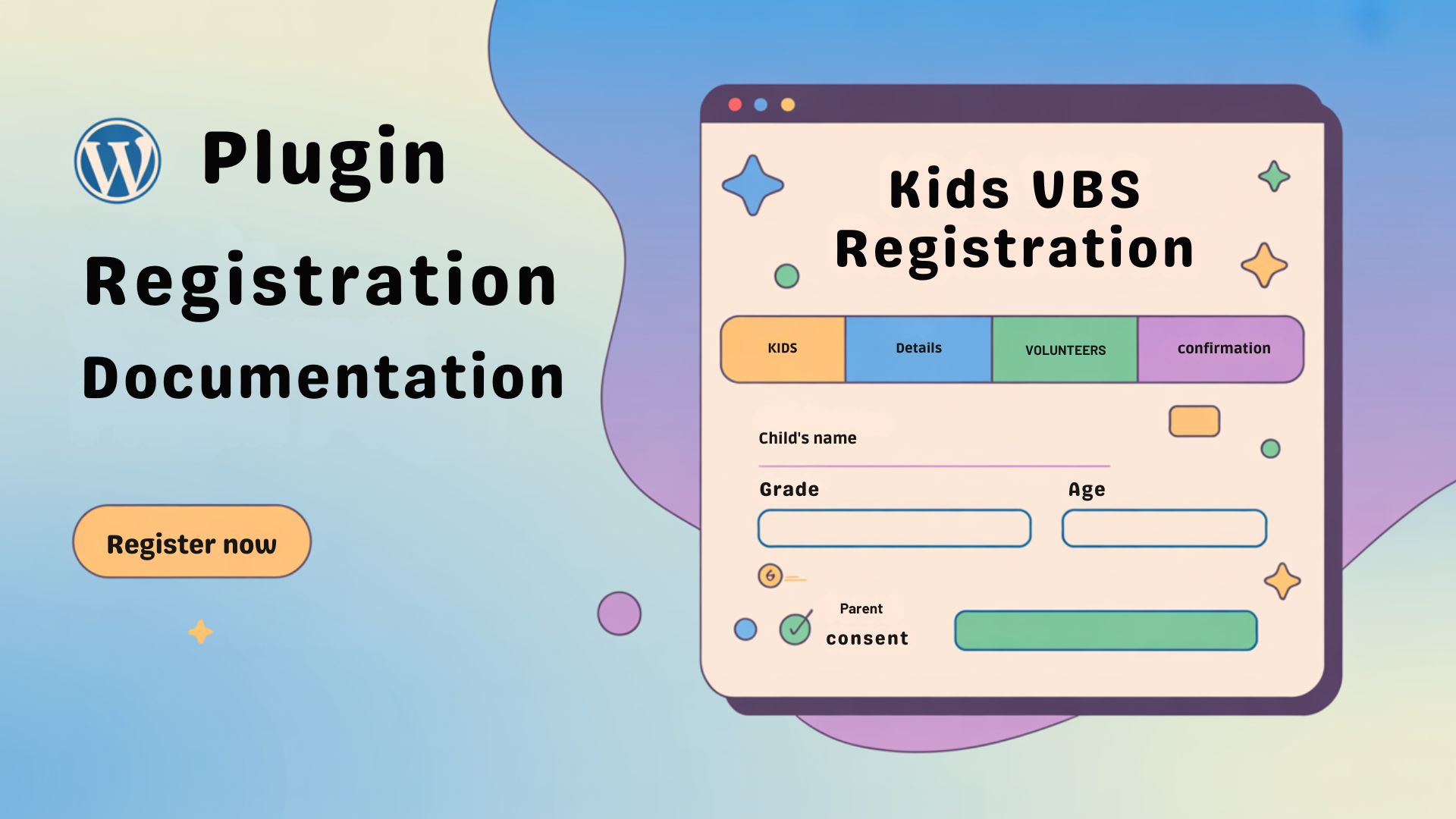
The plugin creates two powerful registration forms—one for kids and one for volunteers—that you can drop into any WordPress page using simple shortcodes.
It supports free or paid registration (with PayPal), automated confirmation emails, and one-click CSV/PDF exports for easy check-in and reporting.
Key highlights:
- ? Kids Registration – Multi-step form for parent info, child details, and emergency contacts.
- ? Volunteer Sign-Up – Separate form for team members, including role preferences and T-shirt sizes.
- ⚙️ Field Control – Enable or disable built-in fields to fit your church’s needs.
- ? Optional Payments – Collect per-child fees using PayPal Standard with automatic status updates.
- ? Email Notifications – Confirmations to parents/volunteers plus admin alerts.
- ? Data Exports – CSV or PDF for attendance sheets or reports.
Note: The plugin is designed for one VBS event at a time. There is no built-in multi-event feature.
? Installation
- Download & Upload
- From your WordPress dashboard, go to Plugins → Add New → Upload Plugin.
- Choose the
vbs-kids-registration.zipfile and click Install Now.
- Activate
- After installation, click Activate Plugin.
?️ Initial Setup
Once activated, a new VBS Kids Registration menu appears in your WordPress admin.
1. Settings
- Event Details – Enter your VBS name, dates, times, and location.
- Registration Mode – Choose Free or Paid. If Paid, set the per-child fee and PayPal business email.
- Age/Grade Limits – Optional validation to keep registrations within your target range.
2. Form Fields
- Enable or disable individual fields for Kids and Volunteers.
- Some system fields (e.g., parent name, child name, grade) are required and cannot be turned off.
3. Email Settings
- Set the “From” name and address.
- Customize parent/volunteer confirmation templates using merge tags like
{parent_name},{children_names},{event_name}, and more. - Send a test email to verify your configuration.
?️ Adding the Forms to Your Site
Create two pages – add your titles – and embed the plugin shortcodes from the plugin settings to each corresponding page.
? Paid Registrations (Optional)
If you enable paid mode:
- Parents complete the form and are taken to PayPal to pay.
- The plugin records the registration as Pending until PayPal sends an IPN (Instant Payment Notification).
- When IPN is received, the status updates to Paid and the confirmation email is sent.
? Managing Registrations
- View Data: Go to VBS Kids Registration → or → Volunteers to browse all entries.
- Bulk Actions: Mark registrations paid/pending or delete records.
- Export: Download CSV or PDF rosters for check-in or record-keeping.
✅ Best Practices
- Test your forms in both Free and Paid mode before opening registration.
- Regularly export data for backups before clearing old records for a new year.
? Frequently Asked Questions
Can I add custom fields?
No. You can enable or disable the built-in fields and mark some as required, but you cannot add new fields or change their order.
Will disabling a field delete existing data?
No. Data remains in the database and will appear in CSV exports even if the field is hidden on the form.
Can this plugin handle multiple VBS events?
Not in the current version. All registrations share the same event settings. For a new season, export your data, clear registrations, update event details, and reopen registration.
Why aren’t emails sending?
Confirm your email templates and use an SMTP plugin to prevent messages from going to spam.
? Live Demo Pages
? Final Thoughts
The VBS Kids Registration plugin takes the headache out of organizing Vacation Bible School sign-ups.
With easy field management, PayPal integration, and one-click exports, your team can spend less time chasing paperwork and more time investing in kids and families.