
The VBS Director’s Command Center: What to Track Each Day So Nothing Falls Through the Cracks
A strong Vacation Bible School does not run on enthusiasm alone. It runs on clear information, calm leadership, and daily follow-through. That is why every church needs a VBS command center during the week of VBS, not just a planning checklist before the week begins. Directors do not need more sticky notes, scattered texts, hallway reminders, or last-minute guesses. They need one trusted place where the most important information is gathered, reviewed, and turned into action.
Most churches plan VBS like an event. The healthiest churches lead VBS like a living ministry system. What gets written down can be cared for. What stays scattered usually becomes stress. This guide will help your team track what matters each day so children stay safe, volunteers feel supported, parents are served well, and tomorrow does not become a repeat of today’s confusion.
Why Every VBS Director Needs a Command Center
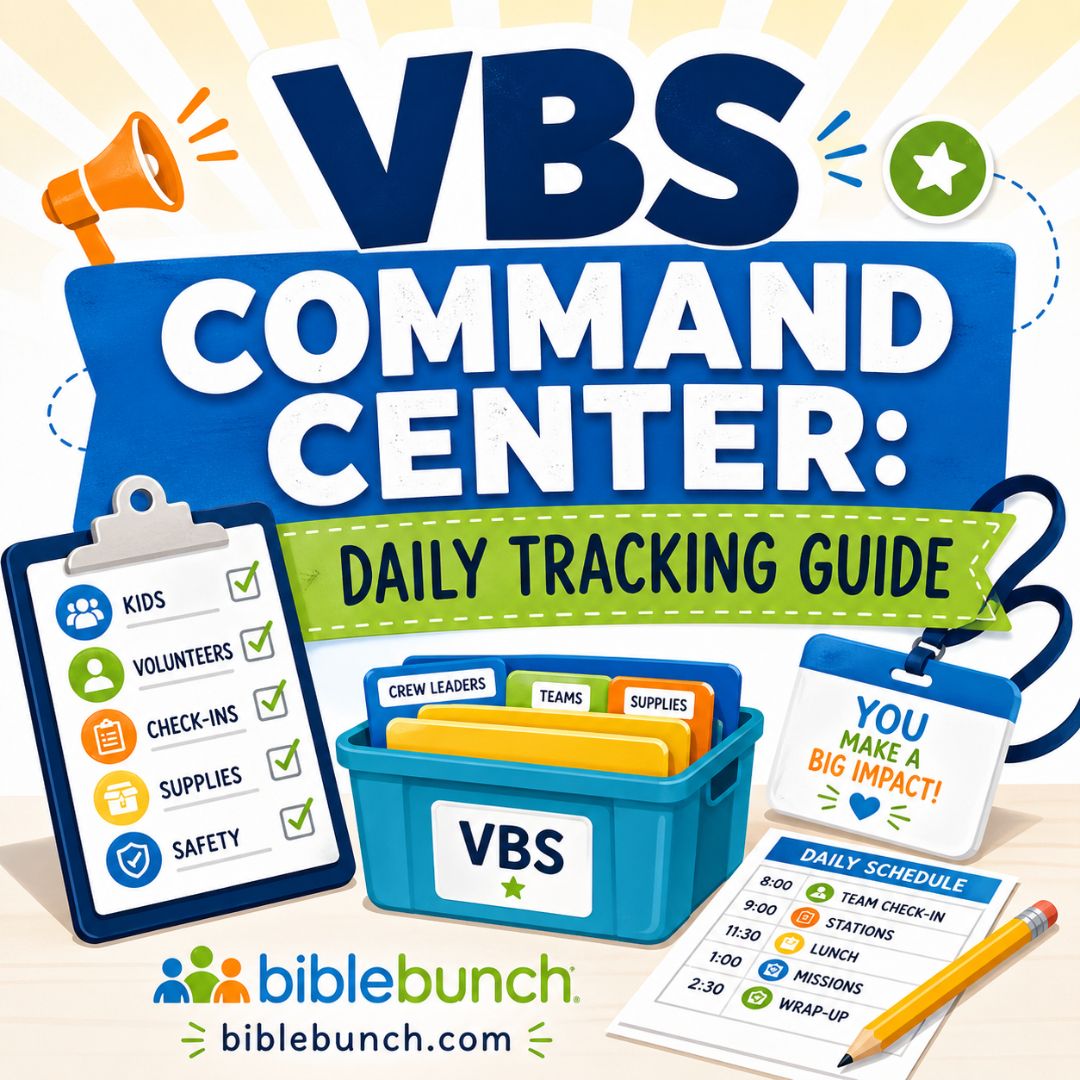
A VBS command center is the daily hub where your leadership team tracks the information that affects children, families, volunteers, safety, and next-day decisions. It may include your registration dashboard, printed rosters, attendance reports, incident notes, supply lists, and follow-up reminders. The format matters less than the habit of keeping important information in one dependable place.
The command center protects the director from becoming the only person who knows what is happening. That matters because VBS moves quickly. Children arrive late, parents ask questions, volunteers get sick, snack supplies run low, and small concerns can become large problems if no one records them.
The purpose of a VBS command center is not to create more paperwork. It is to create more peace. When your team knows where information belongs, leaders can respond instead of react. That makes the whole week feel less frantic.
Before VBS begins, your church needs more than a stack of paper forms. With VBS Registration Pro, you can manage child registration, volunteer sign-ups, group assignments, kid check-in, attendance, parent waivers, family communication, and reports from one WordPress-based system.
Choose One Place Where Information Lives
Every VBS team has information. The problem is that it often lives in too many places. One leader has attendance notes. Another has allergy concerns. A third person knows which volunteer is absent. Someone else remembers that a parent had a question at pickup.
That scattered approach creates pressure. It also increases the chance that something important gets missed. A command center gives the week one central memory. It helps your team stop relying on whoever happened to hear a detail first.
Track Kid Check-In, Attendance, and No-Shows
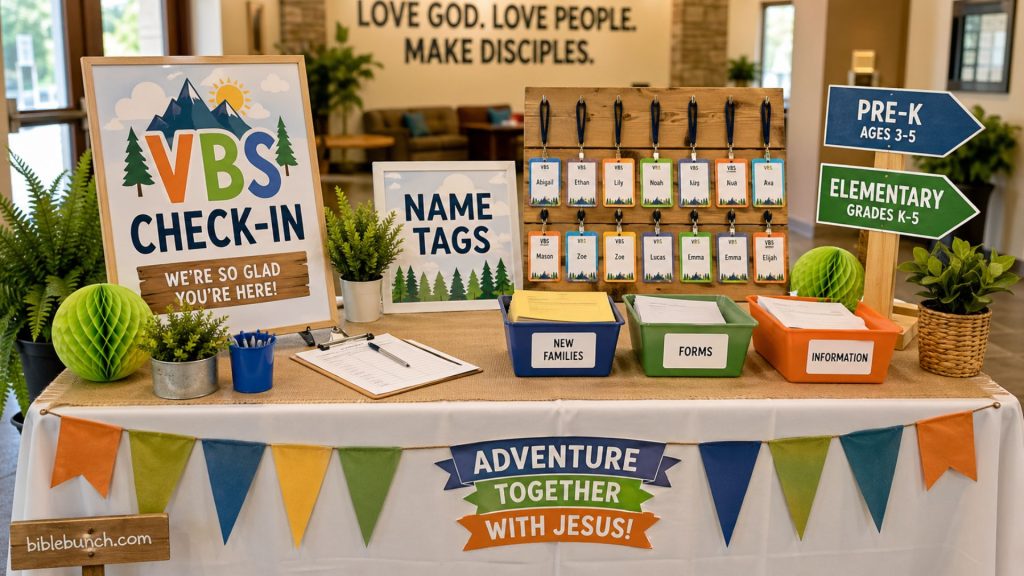
Daily kid check-in should be the first place your VBS command center comes alive. The director should know how many children were expected, how many arrived, who was absent, who came late, and who left early. If children are grouped by age, grade, crew, or classroom, attendance should be tracked by group as well.
Attendance is not only a reporting number. It is a safety and care tool. If a child was registered but did not arrive, your team should know whether that child is absent, late, sick, moved to another group, or mistakenly checked in somewhere else.
No-shows deserve special attention during the first two days of VBS. A simple follow-up message can clarify whether the family still plans to attend. It can also show care. Sometimes a parent forgot the start time, had a sick child, misunderstood the schedule, or needs help knowing where to go.
Accurate VBS attendance helps the church care for real children, not just count registrations. It also helps leaders make better decisions about crafts, snacks, games, small groups, and room assignments.
VBS Registration Pro supports this command-center rhythm by giving churches online child registration, kid check-in from a phone or tablet, daily attendance tracking, group rosters, and attendance reports. That makes it a better fit for this article than sending readers back to paper forms.
What to Record During Kid Check-In
Your VBS check-in notes should include children present, children absent, late arrivals, early pickups, group changes, and special pickup instructions. These details may seem small in the moment, but they matter when the building is full and leaders are moving quickly.
The check-in process should also show leaders the information they need without forcing them to search through separate files. When a child’s group, attendance status, parent information, and key notes are easy to access, the director can spend less time chasing details and more time leading the room.
Keep Allergy, Medical, and Safety Notes Visible
Every VBS command center should include a protected section for allergy, medical, and safety alerts. These details should never be buried in old registration forms or left in one person’s memory. Approved leaders need timely access to the information that helps them protect children.
Food allergies, medication notes, custody concerns, sensory needs, mobility concerns, and emergency contacts should be reviewed before each day begins. Snack leaders, crew leaders, preschool leaders, check-in helpers, and safety team members should know what applies to their responsibilities.
This does not mean private information should be shared carelessly. It means the right leaders should receive the right details at the right time. A child with a serious allergy should not depend on a director remembering to mention it during a rushed hallway conversation.
Safety information is not background paperwork. It is active ministry information. When leaders treat safety notes seriously, families can sense that the church is paying attention.
Churches that need clearer written procedures should also prepare a VBS child safety policy template before the week begins. A written policy helps volunteers understand expectations before a difficult moment happens.
Record Incidents Factually and Promptly
The command center should also include a simple incident log. This is where leaders record injuries, behavioral concerns, missing-child scares, parent complaints, bathroom concerns, medical issues, or any situation that required extra attention.
Incident notes should be brief, factual, and dated. Record what happened, who responded, what action was taken, and whether a parent was notified. Avoid blame, jokes, emotional language, or unnecessary detail.
Clear incident notes protect children, families, volunteers, and the church. They also help the director see patterns. If the same transition, classroom, game, or hallway creates repeated concerns, the team can adjust quickly.
Watch Volunteer Coverage and Supply Problems
Volunteer gaps can change the whole feel of a VBS day. A director may have planned carefully, but one sick preschool volunteer or one missing games leader can create stress across the entire schedule. That is why volunteer coverage belongs inside the command center.
Each day, record which volunteers are present, which roles are uncovered, and which backups have been assigned. Pay special attention to preschool rooms, kid check-in, snacks, games, crafts, hallway supervision, and dismissal. These are the places where shortages become visible quickly.
Volunteer absences should not live only in text messages. If the information stays hidden on one phone, the leadership team cannot respond well. When absences are visible in the command center, leaders can make calm staffing decisions before children arrive.
Supplies need the same daily attention. Crafts, snacks, name tags, printer paper, first-aid items, cleaning supplies, game materials, and signage can run out faster than expected. A command center supply section lets station leaders report needs before they become problems.
Most VBS breakdowns are not caused by a lack of love. They are caused by missing information. When volunteer and supply issues are recorded early, the team can solve them before the next day begins.
VBS Registration Pro helps on the volunteer side by supporting volunteer sign-ups, role preferences, availability, confirmation emails, and volunteer data exports. The article should describe that accurately as volunteer registration and coordination, not volunteer check-in.
Ask Every Station Leader One Question
At the end of each day, ask every station leader one simple question: “What do you need for tomorrow?” That question can reveal more than a long meeting.
A craft leader may need more glue sticks. A snack leader may need an updated allergy list. A games leader may need a shaded space. A crew leader may need help with a child who is struggling. A preschool leader may need another volunteer.
Do not wait for station leaders to complain. Build a daily rhythm that invites them to report what they see. That one habit can prevent many next-day problems.
Record Parent Questions and Ministry Follow-Up
Parents often ask important questions during the busiest moments of the day. They may ask about pickup rules, family night, theme days, allergies, donations, sibling participation, behavior concerns, or whether their child can invite a friend. Some questions are simple. Others deserve careful follow-up.
The command center should include a place to record parent questions. The note should include the parent’s name, child’s name, question, contact information if needed, and the person responsible for replying. This keeps a good question from disappearing after the parking lot clears.
Parent communication builds trust when it is timely and specific. A forgotten question can make a family feel overlooked. A thoughtful follow-up can make a family feel seen.
VBS also creates pastoral care moments. A child may share a fear. A parent may mention a family hardship. A volunteer may notice that a child needs encouragement. These notes should be handled with wisdom, privacy, and compassion.
VBS is not only an event to manage. It is a ministry opportunity to steward. A command center helps the church remember people, not just procedures.
Use Family Communication Carefully
Good communication does not mean sending every family every message. It means sending the right message to the right people at the right time. A reminder about pickup may need to go to all families. A payment reminder may only need to go to certain households. A pastoral follow-up should usually be personal and private.
This is another reason the article should point to VBS Registration Pro. The plugin’s family messaging and household-based records support the kind of clear, organized communication this command-center model requires.
End Each Day with a Debrief and Tomorrow’s Action List
The end-of-day debrief may be the most important part of the VBS command center. It captures lessons while they are still fresh. Without it, leaders often forget what needs to change until the same problem happens again.
A strong debrief does not need to be long. Ask what went well, what felt confusing, what safety concerns appeared, which supplies are needed, which parents need follow-up, and what must change before tomorrow.
Then turn those notes into a short action list. Assign each action to a person. Add a deadline. Review the list before doors open the next day. This keeps the week from drifting.
A VBS week improves one day at a time when leaders capture problems before they repeat. That is where the command center becomes more than a record. It becomes a leadership tool.
This is the strongest place to connect daily operations with your registration system. VBS Registration Pro helps churches move beyond paper forms and spreadsheets by keeping child registration, volunteer sign-ups, group assignments, kid check-in, daily attendance, waivers, family communication, and exports in one organized WordPress-based system.

Build Tomorrow Before You Leave Today
Do not wait until morning to solve yesterday’s problems. Morning is when children arrive, volunteers ask questions, and parents need direction. It is not the best time to discover that a classroom is short-staffed or a supply bin is empty.
Before going home, decide what must be printed, purchased, moved, repaired, clarified, or communicated. Then assign each item to a person. A clear tomorrow list helps the director sleep better and lead better.
FAQ
What is a VBS command center?
A VBS command center is one central place where the director tracks daily information during Vacation Bible School. It usually includes kid check-in, attendance, volunteer coverage, allergy notes, medical concerns, parent questions, incidents, supplies, prayer needs, and next-day action steps. It helps the church lead calmly during a busy week.
The command center can be printed, digital, or built around a registration tool. The best version is the one your team will actually use every day.
What should a VBS director track each day?
A VBS director should track kid check-in, attendance, no-shows, late arrivals, early pickups, allergy alerts, medical concerns, volunteer absences, supply needs, parent questions, incident notes, prayer needs, and tomorrow’s action list. These categories help protect children, support volunteers, and improve communication with families.
The goal is not to record every detail. The goal is to capture what affects safety, trust, ministry, and the next day’s success.
How does VBS check-in connect to the command center?
VBS check-in gives the command center its starting point each day. It shows who arrived, who is absent, who has special notes, and which families may need help. Without a strong kid check-in process, directors often make decisions from memory instead of accurate information.
A good kid check-in system also helps leaders respond faster when questions, allergies, pickup changes, or safety concerns appear.
Conclusion
A strong VBS week does not happen because every detail goes perfectly. It happens because leaders notice what matters and respond with wisdom. The VBS command center gives your church one daily place to turn scattered information into faithful care.
For directors, this can bring real relief. You do not have to carry every allergy note, absent volunteer, parent question, supply concern, and incident detail in your head. You can build a rhythm where information is captured, reviewed, assigned, and acted on.
Start simple. Choose one place for your daily command center. Assign one person to help maintain it. Review it before everyone leaves. Then use what you learn to make tomorrow clearer, safer, and more welcoming.
Running VBS this year? Replace paper forms, spreadsheets, and scattered notes with VBS Registration Pro — a WordPress plugin for child registration, volunteer sign-ups, group assignments, kid check-in, attendance tracking, waivers, family emails, payments, and reports.
What is the one piece of VBS information your church most often loses track of during the week?